 A Space for Thoughtful

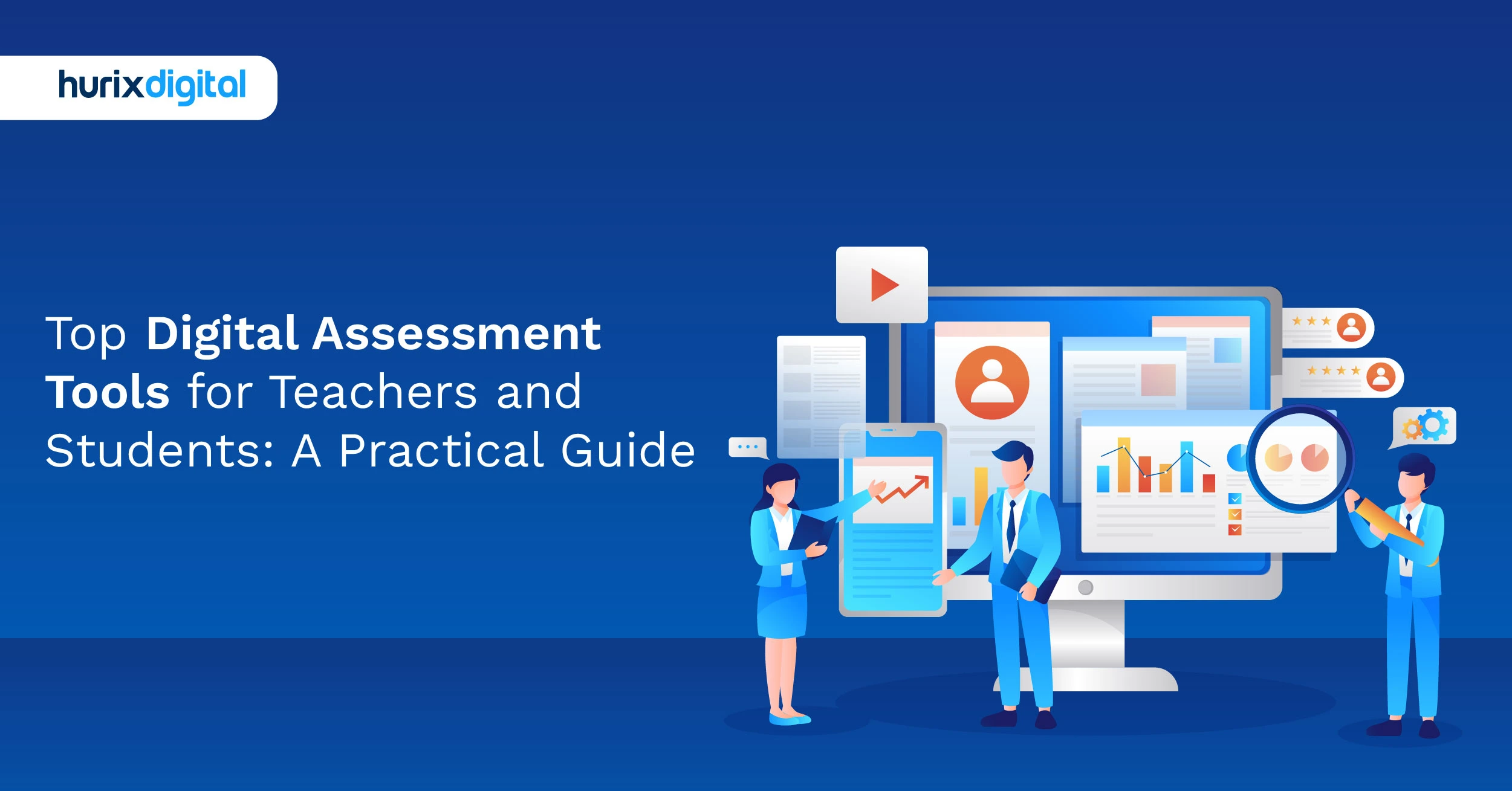
Top Digital Assessment Tools for Teachers and Students: A Practical Guide
Summarize with:
Online learning is no longer an emerging phenomenon that students have to look out for.
The number of global online learners has grown from 300,000 to a whopping 220 million in the past decade alone. Academic bodies worldwide are reaping the benefits of online education.
The phenomenon helps management, students, and teachers. One major assistance this trend has provided educators with is digital assessment tools for teachers.
Teachers can use them to make the learning curve interactive and perfect a particular course or module. Since they also help teachers fetch real-time reviews, it has become imperative for teachers to implement them.
However, with the market being inundated with digital assessment tools for teachers, which should teachers use? Let’s find out.
Table of Contents:
- Understanding Digital Assessment Tools
- 3 Ideal Ways to Use Digital Assessment Tools for Teachers
- Top Benefits of Digital Assessment Tools for Teachers
- 10 Most Popular Digital Assessment Tools for Students and Teachers
- To Wrap Up
Understanding Digital Assessment Tools
Tools for online assessments are a crucial component of education. These resources help teachers assess their students’ development, pinpoint their areas of weakness, and provide prompt feedback.
An effective e-assessment tool could enhance student engagement because assessments are more interesting and stimulating.
From multiple-choice quizzes to complex problem-solving simulations, digital assessment examples showcase the diverse assessment formats available in the digital age.
3 Ideal Ways to Use Digital Assessment Tools for Teachers
Digital assessment tools for teachers fill all the gaps in the education sector by providing top-notch features to educators and learners. Here are three of the best ways to use these tools.
1. Gamifying Learning
Unlike old-school learning, online learning makes every training session fun and interactive for learners.
Hurix, for instance, offers powerful features that support gamification in education and integrate digital assessment tools for teachers, enabling trainers to design creative, out-of-the-box modules. This approach keeps learners motivated and makes lessons more enjoyable. With gamification, trainers can transform course-related questions into interactive games.
The rules are pretty basic: correct answers will allow students to reach a new level and also reward them to keep them committed to learning.
2. Providing Instant Feedback
As previously discussed, it’s not easy for teachers to comment on each student’s performance in old-school learning.
Thankfully, tools like Hurix allow trainers to provide feedback to students instantly after tests and quizzes so that they can understand which areas need improvement.
3. Tracking Progress
Analytical tools are highly important in digital learning as they help educators figure out how students perform and where they can improve.
Moreover, if a module isn’t working well, educators can easily modify it based on the information they receive by tracking the student’s progress.
Top Benefits of Digital Assessment Tools for Teachers
The advantages of online assessment in education are not restricted to merely designing a curriculum. Modern assessment tools can facilitate an entirely fresh learning experience.
Want to know how? Here are some ways in which an online assessment tool can assist both students and teachers:
1. Saves Time
With online assessment tools, teachers can easily save time instead of using the standard paper-based method. The tools can be used to create the assessments, distribute them among students, and even grade them.
Many online assessment tools can automatically grade multiple-choice, true/false, and other objective questions, freeing up teachers’ time for more meaningful interactions with students.
Students receive immediate feedback on their assessments, allowing them to identify areas for improvement and adjust their learning plans.
2. Customized Learning
One of the best advantages of online assessment tools is their personalization. Teachers can customize the tools based on each student’s strengths and weaknesses, giving each learner a tailored teaching approach for better results.
Some online tools can adapt the difficulty of questions based on student performance, providing a personalized and effective learning experience. They can also provide specific feedback on students’ errors, helping them understand their misconceptions and improve their understanding.
3. Better Accuracy
Integrating online assessment tools in education equals better accuracy. It eliminates the chances of errors caused by human intervention and removes any threat of biased grading, keeping the process as objective as possible.
Online tools can provide detailed data on student performance, helping teachers identify trends and areas for improvement in their instruction. Online assessment tools minimize the risk of errors that can occur during manual grading, such as miscalculations or misinterpretations.
4. Interactive Learning
Making learning interactive is a huge advantage. With online assessment tools in teaching, educators can integrate multimedia, such as images and videos, to enhance the learning curve.
Digital assessment tools for teachers can incorporate a variety of multimedia elements, such as images, videos, audio clips, and animations, to make them more engaging and informative. They can also be designed to connect with real-world scenarios and applications, making learning more relevant and meaningful for students.
5. Flexibility and Promptness
Teachers can use online assessment tools to share reviews remotely. This flexibility is expanded in the self-assessment and feedback arena as well. With such tools, teachers can easily update learners’ records while maintaining real-time performance feedback.
Every teacher must analyze the assessment tools’ advantages and disadvantages before using them. In most cases, the tools will deliver better efficiency and results. Students can use online tools to self-assess their understanding and receive immediate feedback on their performance. Teachers can monitor student progress in real-time, allowing them to identify areas where students may be struggling and provide targeted support.
Now that you understand why these tools are crucial, let’s help you find the most useful ones.
10 Most Popular Digital Assessment Tools for Students and Teachers
Digital assessment tools provide more flexibility, customization, and immediate feedback.
Here is a list of digital assessment tools that you can consider to improve your students’ learning experience:
1. Dictera
Dictera by Hurix Digital is a cutting-edge digital assessment platform that enables educators to streamline their workflow and create excellent assessments easily.
Leveraging the power of AI/ML to automate the creation of assessments, saving you time and effort, Dictera provides an intuitive interface coupled with real-time collaboration, allowing seamless work integration to define roles, assign tasks, or track the process.
Dictera’s sophisticated analytics provide information about the success of your team members, enabling you to make wise choices. Workflows are streamlined by automating repetitive tasks, allowing you to focus on developing interesting and useful evaluations.
2. Socrative
Socrative is one of the most popular digital assessment tools for teachers, designed to create and administer assessments in real time.
Primarily used in higher education and K12 classrooms, it offers multiple-choice, true/false, and short-response question formats. One of its standout features is its analytical reporting, which allows teachers to monitor student performance, track growth, and adjust teaching strategies accordingly.
3. Mentimeter
Mentimeter is an interactive presentation tool for teachers to conduct creative evaluations. The platform offers a wide variety of question styles, including multiple-choice, true-false, and open-ended. The tool’s real-time analytics and reporting capabilities allow teachers to monitor their pupils’ progress and grades.
4. Poll Everywhere
This online tool allows users to create polls, quizzes, and surveys in real time. In the classroom, they are very much present. It allows a wide variety of question kinds, including rating scales, open-ended, and multiple-choice questions.
Students can answer polls using laptops, tablets, or mobile devices, and the results are displayed on the teacher’s screen immediately. It works with a variety of learning management systems and presentations, such as PowerPoint and Google Slides.
5. Kahoot!
Kahoot! is a game-based learning tool for educators and learners, as the name implies. Among other question types, it enables teachers to create engaging assessments and quizzes with multiple-choice, true-or-false, and open-ended questions. Game-based learning activities help students learn and retain material engagingly and fascinatingly.
6. Quizlet
A free educational resource called Quizlet aims to make learning interesting and fun. Its collection of assessment and evaluation tools allows teachers to create engaging and dynamic assessments for their students.
The platform’s best feature is its section of ready-to-use Quizlet Solutions for popular textbooks, which enables students to learn more about a certain subject.
7. Thinglink
Thinglink permits educators to produce interactive images and videos within their lessons. It contains a plethora of audio, video, text, and other media that can be integrated into an image or a video.
Thinglink encourages teachers to create interactive timelines, maps, infographics, and much more for their students’ learning experience. Students can interact with these images and videos by clicking on the embedded links, which lead to further content or activities.
8. Hurix Digital
Hurix Digital is one of the most useful platforms for digital learning. With over 20 years of experience, Hurix Digital makes eLearning easy and fun for trainers and trainees.
This platform can be used for K12 education, higher education, and corporate training. It’s highly customizable and encourages game-based learning that includes problem-solving, puzzles, situational judgment scenarios, quizzes, etc., so learners can improve their creative and problem-solving abilities.
Plus, Hurix Digital is suitable for all kinds of devices, including smartphones, so learners can continue learning even while on the go.
9. Google Forms
If your institution primarily uses the Google ecosystem, Google Forms is a completely free option. This simple and intuitive tool allows teachers to create and deliver assessments online. The platform offers various question types, including multiple-choice, true-or-false, and open-ended questions.
Google Forms also provides real-time analytics and reporting features that allow teachers to track student progress and performance. The only downside is that the tool has limited templates, especially for education. So, creating an assessment requires a lot of manual effort.
10. Moodle
The open-source learning management system (LMS) Moodle offers a framework for developing and delivering online courses.
Teachers can use a range of evaluation methods, such as seminars, assignments, and quizzes, to evaluate their students’ performance. The platform also accepts a range of question types, including multiple-choice, essay, and true/false questions.
To Wrap Up
While students in a physical classroom are usually assessed through periodic tests, spot questions, and quizzes, digital assessment tools for teachers take evaluation to the next level. They provide continuous assessment by tracking students’ creative thinking, learning abilities, and overall test performance. The feedback generated is more detailed and actionable, enabling students to identify gaps and improve their performance effectively.
Choosing the right digital assessment tool for teachers can transform the learning experience. Platforms like Hurix are highly suited for effective online learning. Their advanced assessment tools help educators bridge course gaps, personalize instruction, and deliver a world-class education to students.
Check out Hurix Digital and redefine eLearning today with top assessment tools.
Summarize with:

Senior Vice President – Business Development
at Hurix Digital, with over 25 years of experience in EdTech and workforce learning. He excels in business development, customer relationship management, and scaling digital learning solutions, driving global growth through innovative content, simulations, and AI‑driven training offerings